
Florida VINE in Indian River County
Florida VINE through VINELink is a custody-status and notification layer. Official Florida material says its coverage includes participating county jails, the Florida Department of Corrections, and the Department of Juvenile Justice. For an adult Indian River County case, that means the service can receive events from the county jail or FDC. It does not cover a Federal Bureau of Prisons release. Federal prison custody must be checked through the BOP locator.
VINELink and the source agency serve different functions. A VINE result can report the custody status supplied by a connected agency and offer alerts. The Indian River County Sheriff's historical booking can show the exact local release time, reason, disposition, staff entry, destination, and bond details. An FDC record can show a state prison release and any later community supervision. A court record explains what happened to the case. None should be treated as interchangeable.
The official Florida VINE number is 1-877-846-3435 and operates around the clock. Search access is also available after selecting Florida in VINELink. A transfer can trigger a custody event without returning the person to the community, and release from one custodian can coexist with a detainer or supervision obligation.
Search Indian River VINELink Records
A useful VINELink check starts with a single known person. Full name is the common entry point, while an identifier provides a more exact match when one is available. Date of birth, age, and the supplying agency help distinguish people who share a name. Do not stop at the results list. Open the matched record and inspect the custody details before drawing a conclusion.
The manifest capture from the official VINELink service combines a Florida search state, a carefully selected out-of-custody result, and the notification-registration screen. It shows how the task moves from finding a person to reading the event and then choosing an alert.
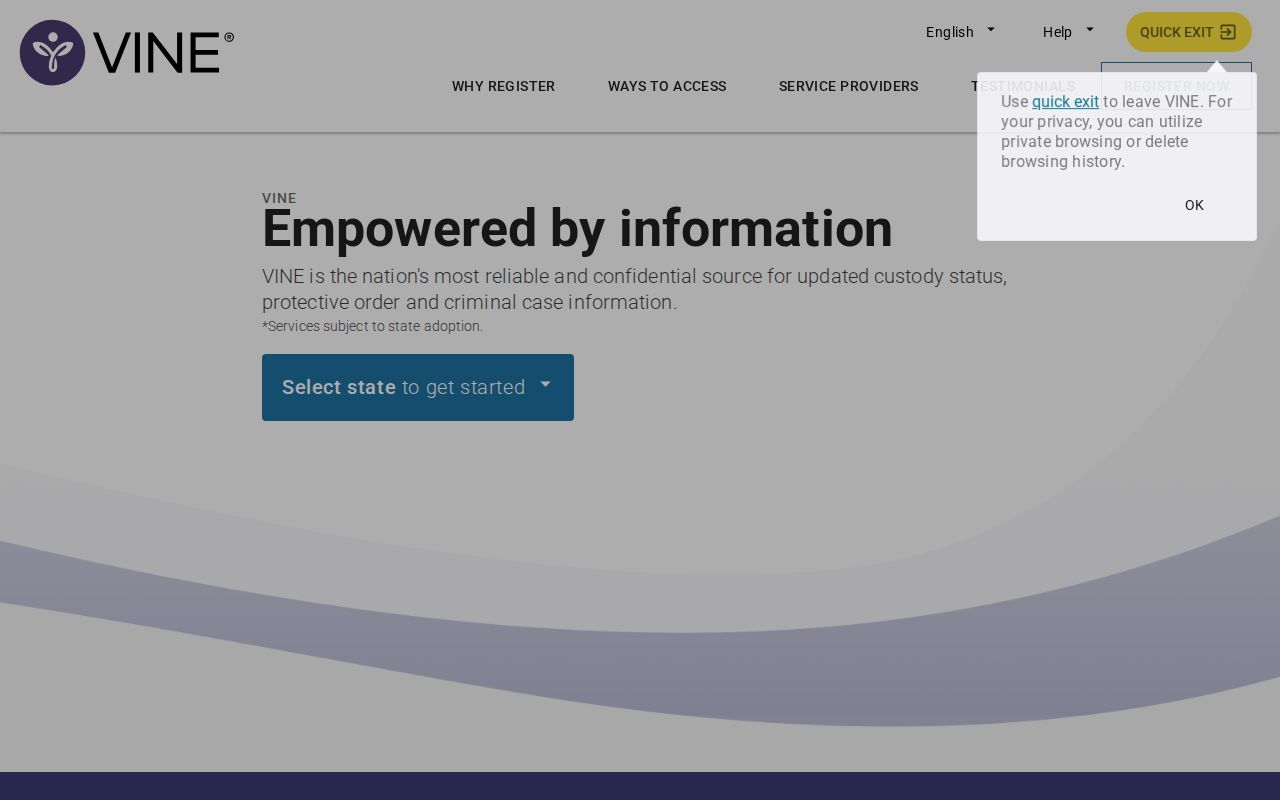
The screen sequence supports a focused check, not a broad archive search. Use these steps:
- Open VINELink and select Florida as the state.
- Choose the option to find an offender or search for someone.
- Enter the full name or available identifier. Add identity details when the interface offers them.
- Compare date of birth or age, agency, and identifying information for each possible match.
- Open the correct record and read its current custody status, event, and supplying agency.
- If the result says released or out of custody, confirm the event in the record system controlled by that agency.
Note: No match does not prove release because spelling, timing, transfer, coverage, confidentiality, or an aged public result can affect visibility.
Indian River VINELink Release Fields
A matched VINELink record should be read as a status report from its source, not as a full release file. The exact fields can change with the contributing agency and record. Custody status is central, but the agency and event context tell the reader what the label means. A person reported out of Indian River County Jail could still be in another agency's custody after a transfer. Someone released from FDC prison could still be on probation, parole, or conditional release.
| VINELink item | What it helps confirm |
|---|---|
| Name and identifier | Whether the result belongs to the intended person |
| Date of birth or age | A second identity check when names match |
| Supplying agency | Which jail or corrections system reported the event |
| Custody status | Whether that connected custodian reports the person in or out of custody |
| Custody event | A release, transfer, escape, or other reported status change, when displayed |
| Notification option | Whether registration is offered for later changes to the matched record |
For county custody, the IRCSO Inmate Search provides the lasting local history. Its form includes name, booking date, Release Date, booking number, and date of birth. The matching manifest image shows that release-date search and the county's VINELink route.
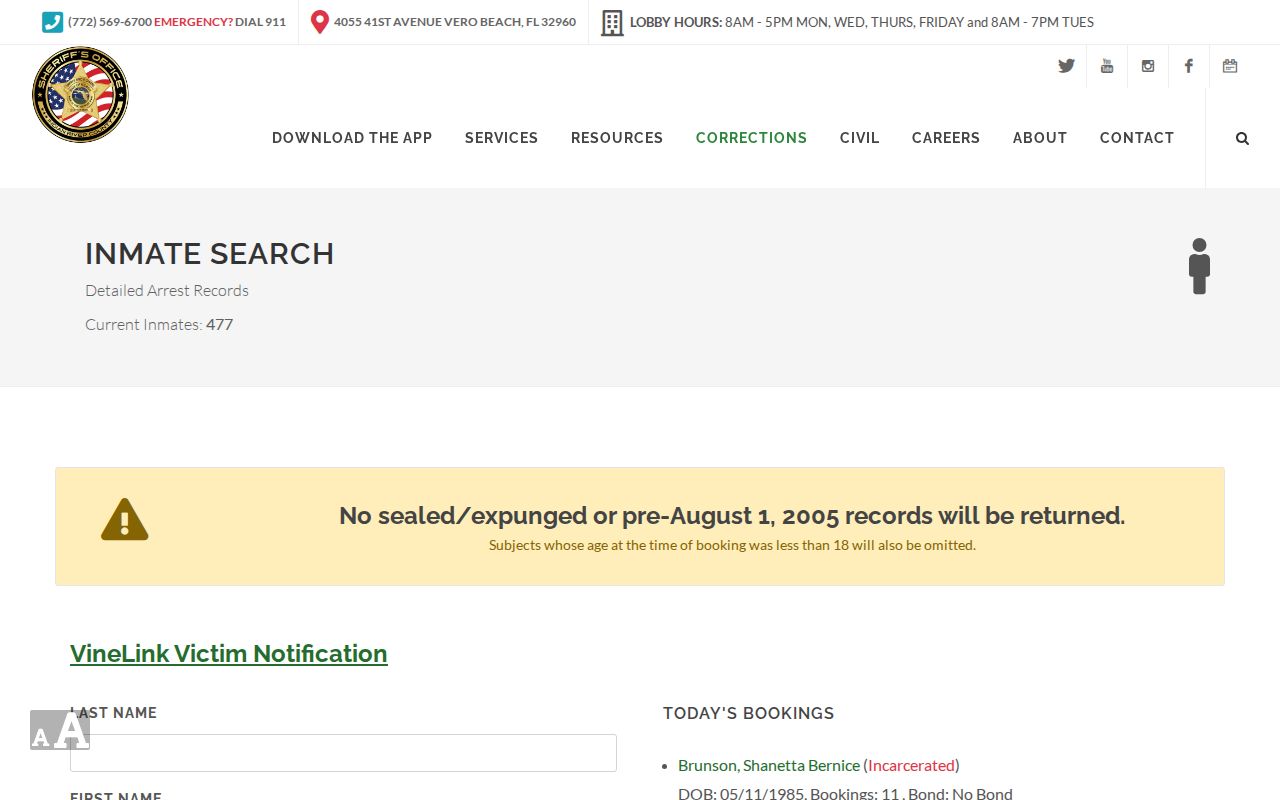
That county form reaches eligible adult booking history rather than only the current jail population. It is the stronger place to confirm the release reason and destination after VINELink reports a local custody change.
Register Indian River Release Alerts
Notification registration begins only after the correct person has been matched. Choose Notify Me of Status Changes from that record. The live interface may offer phone, email, or text. Use direct contact information that can receive the message without a switchboard or call-announcement screen. Review both the person and the selected event before completing registration.
Florida's movement-event material distinguishes a direct VINELink registration from the FDC Victim Notification Request. The FDC victim assistance and notification information covers Florida-specific events and the separate request route.
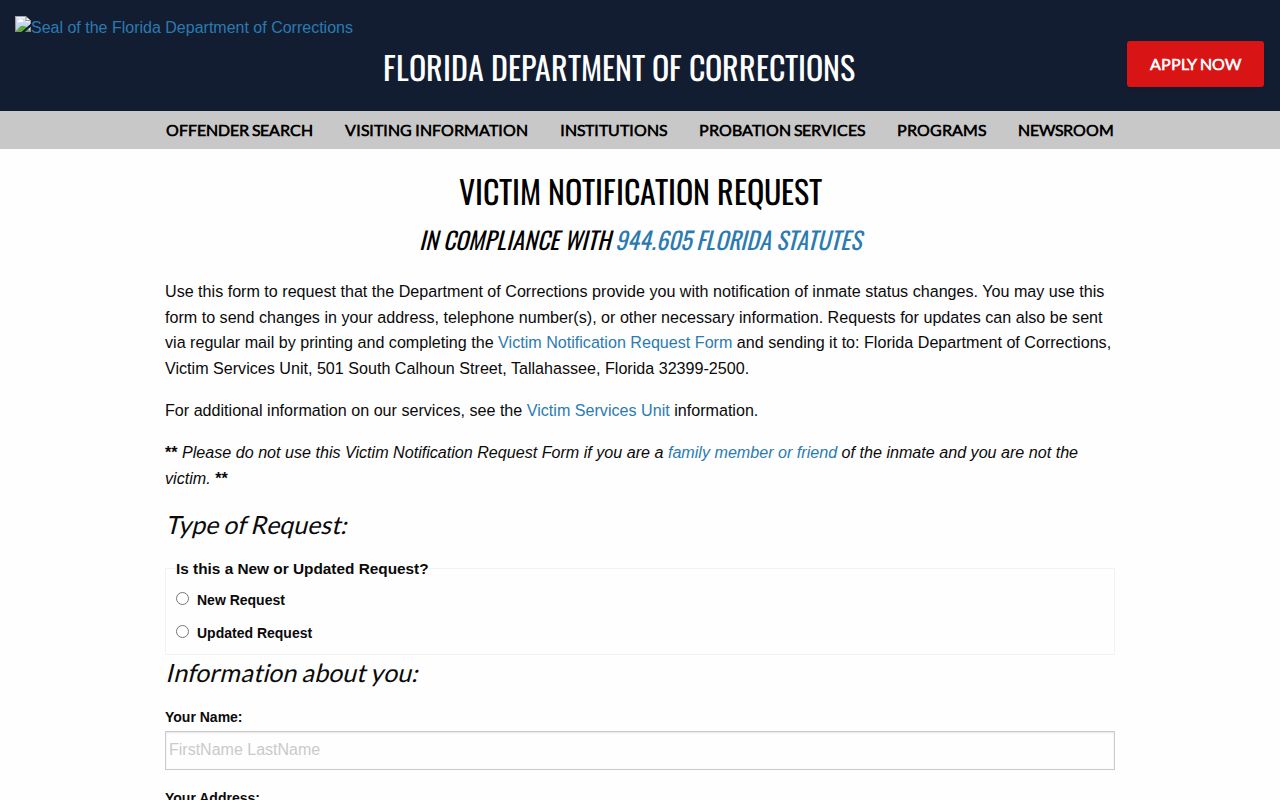
Direct VINELink registration data is not shared with the FDC Victim Services Unit. People who are not using FDC's victim process can register directly through VINELink. The practical registration flow is:
- Open the correct person's result and select the status-change notification option.
- Choose a phone number and any email or text option shown in the live service.
- Enter direct contact details and select the event or record to follow.
- Create the required four-digit PIN for a telephone alert.
- Review the matched person and contact method, then choose the final registration confirmation.
- When a call arrives, listen to the message and enter the PIN to acknowledge it.
Indian River Notification PIN Steps
The PIN is more than an account preference. FDC's printable Victim Notification Request form permits any four digits and states that the last four digits of the phone number become the default when a PIN is not chosen through that form. For a telephone notification, the recipient enters the PIN after hearing the message. That acknowledgment stops repeat calls.
The official capture shows the four-digit PIN mechanics and the difference between repeat calls and one-time electronic messages.
FDC says telephone attempts continue until PIN confirmation, while text and email messages do not repeat. Pick digits the intended recipient can recall but others cannot easily guess. A direct number is best because a switchboard, shared extension, or screening service can prevent the person from hearing and confirming the full alert.
Note: Save the four-digit PIN securely; an unconfirmed telephone alert may repeat, while an email or text message does not.
Indian River Victim Notification Support
Indian River County has a local VINE layer beyond the statewide portal. The Sheriff's official victims' rights brochure directs readers to VINELink, says registration is required for alerts, gives the 24-hour Florida line at 1-877-846-3435, and lists IRCSO Victim Services at 772-978-6255. It separately addresses timely notice of a scheduled or actual release or an escape for eligible victims. That county referral confirms the local path without turning the brochure into a historical custody record.
For help with an Indian River County jail notification, contact the Sheriff's Victim Services Unit. For an FDC notification request, use the state process that fits the requester's role. Direct VINELink registration remains available as its own route. Each option requires an affirmative registration; searching for a person once does not create a future alert.
Indian River Notification Contacts
Florida VINE: 1-877-846-3435, 24 hours
IRCSO Victim Services: 772-978-6255
Open Florida VINELink
Route Indian River Release Alerts
The agency named on an alert determines the next search. For an Indian River County Jail event, search the IRCSO history by full name and date of birth. Use its Release Date field when the day is known, then open each booking episode for the correct person. The detail can reveal whether the event was a posted bond release, time served, discharge, or a transfer. Read the destination as well. A destination tied to another custodian means the person left the county jail but did not necessarily leave government custody.
For an FDC event, open the Florida Corrections Offender Search or the focused Prison Release Search. Enter the six-character DC number when possible because it is more precise than a name. Confirm the status, release-related date, offense and sentence data, and any community-supervision location. A listed probation office can show that prison custody ended while state supervision continued.
| Alert source | Best confirmation record |
|---|---|
| Indian River County Jail | IRCSO historical booking and release block |
| Florida state prison | FDC all-offender or Prison Release Search |
| Case or sentence change | Indian River Clerk Online Case View |
| Federal prison | BOP Inmate Locator, outside VINE coverage |
This routing also resolves a common mismatch. An IRCSO record cannot prove that a later state prison sentence ended, while an FDC record does not explain every Indian River County charge. VINELink joins neither archive. It provides the event that tells the reader which official history to open next.
Confirm Indian River Custody Changes
A VINE event means a connected custodian reported a change. It does not establish why the person left, where the person went, or whether another authority assumed custody. For a release from Indian River County Jail, check the Sheriff booking detail for the exact timestamp, reason, destination, and disposition. For a state prison release, use FDC's all-offender or Prison Release Search and inspect any community-supervision office. For a case outcome, use the Indian River Clerk docket.
Federal and immigration systems sit outside ordinary Florida VINE coverage. Use the BOP Inmate Locator for a sentenced federal prisoner. Use ICE's Online Detainee Locator for immigration detention, while recognizing that a missing result is not proof of release. A county release destination tied to ICE or another jail signals a handoff, not freedom from all custody. VINE may report the first change before the receiving system is easy to find.
When a result is missing or unclear, check spelling and identifiers, then contact the agency shown on the last reliable record. The Indian River County release search sets out the Sheriff, FDC, court, BOP, and records-request routes for a deeper confirmation. VINELink is most effective as timely notice paired with the official record that explains the event.